
 By Callum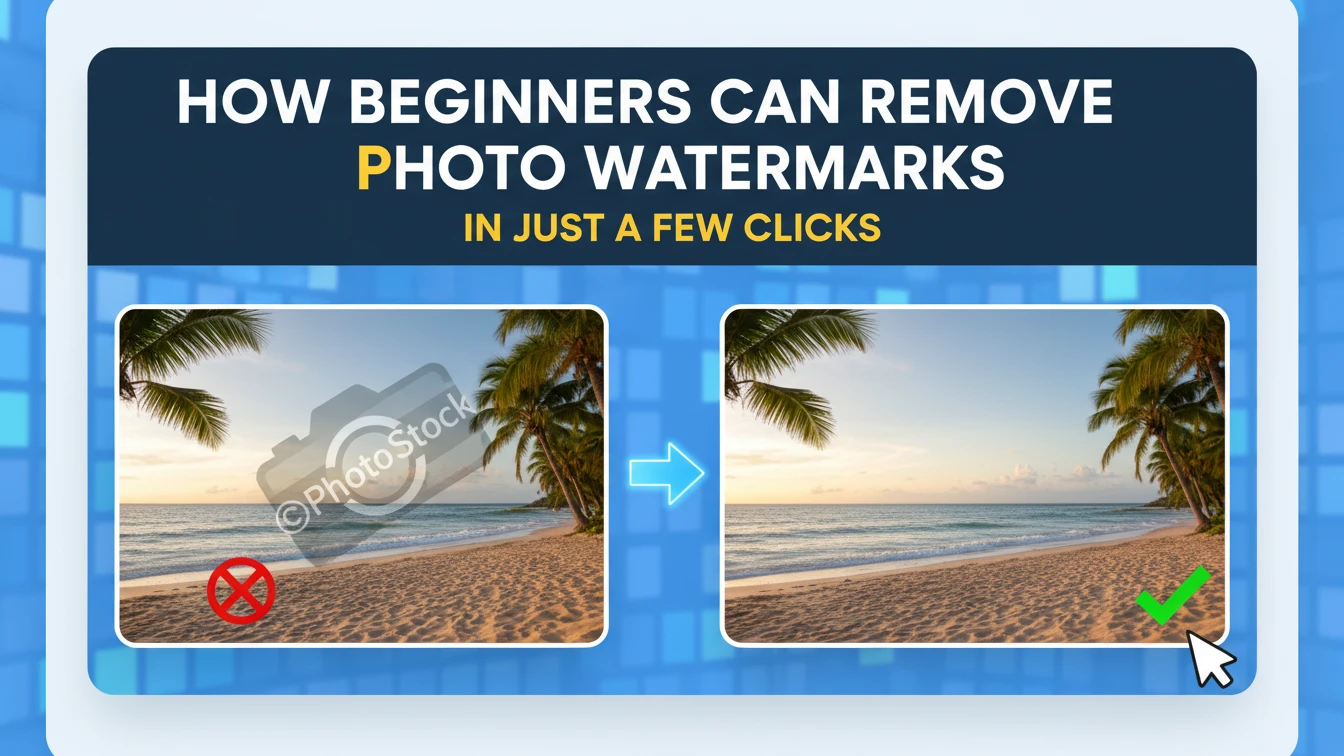
Stock images pulled for a quick TikTok video often come stamped with agency logos right over the action. Beginners stumble into these overlays—faint text across skies or bold badges on products—and wonder where to start without downloading heavy software. Web tools change that, letting you drag a file and watch AI hunt down the marks automatically, filling gaps with matching pixels in moments.
No need to fuss with layers or brushes that leave smudges. A seller grabbing supplier pics for Etsy listings hits a “sample” strip; upload once, and the process scans edges, isolates the text, rebuilds the fabric weave underneath. Photographers cleaning old proofs notice how these handle curled signatures on portraits without warping faces—far from the trial-and-error of basic apps.
Pick the Right File and Upload
Start simple: grab your photo from the phone gallery or desktop folder, anything from a casual selfie to a product flatlay marred by credits. Most sites take JPGs, PNGs straight up, no conversions needed, and cap sizes stay generous for phone shots. One newbie blogger snagged a vintage texture online, full of era stamps; dropped it into the upload zone, and detection lit up the ghosts instantly—no resizing hassles.
Drag or click—either works fine on laptops or mobiles. Preview pops right away, showing the original next to a cleaned hint, so you spot if the mark sits tricky, like over fur or waves. Ecommerce folks testing necklace shots learn quick: shine hides under glowy logos, but high-res uploads reveal details for precise erases.
Avoid scans at odd angles first; straighten in your phone’s editor if needed, then proceed. This keeps the AI from confusing distortions with actual edges, a pitfall that trips folks editing event flyers pulled from Facebook archives.
Let AI Spot and Wipe the Marks
The magic hits here—algorithms trained on endless stamped pics comb pixels for contrasts, fonts, transparencies that scream overlay. No drawing needed; it flags diagonal “demo” bands across beaches or clustered initials on shoulders without a nudge. A creator prepping YouTube thumbnails faced repeating site icons; the scan caught every one across a batch, sparing manual hunts.
For stubborn spots, some offer a brush fallback, but auto-mode nails most, peeling text from skin tones by sampling nearby pores. Picture a family snap downloaded with a preview stamp over smiles; AI rebuilds laughs naturally, dodging the halo edges from rushed erasers. Designers iterating mood boards swear by this speed—old client mocks clean up before coffee cools.
Deeper, it segments shapes: logos get vector-traced, text dewarped from curves on bottles. Real estate agents cleaning property shots note how window reflections reform crisp, vital for listing zooms on Instagram.
Check Preview and Grab the Clean Version
Side-by-side views let you zoom in, hunting artifacts on edges or fills—grass patches matching fields, or brick under bold stamps. If off, tweak with a quick reupload or brush; most nail it first pass. Pinterest users pinning stock florals test this way; faint credits vanish, petals stay dewy without blur.
Download hits PNG for transparency needs, like overlaying on videos, or JPG for web speed. Freelancers batching social graphics download zips, each file stamped-free and scaled right. One scenario: a small shop owner wiped logos from 20 tees overnight, listings live by morning—no quality dip under store lights.
Save originals aside; edited versions hold full res unless compressed. TikTok editors confirm: outputs withstand crops and filters, key for viral clips where details pop.
Common Fixes for Tricky Photos
Faces challenge most—eyes under arches or mouths behind bars—but AI prioritizes features, borrowing from cheeks or brows. A portrait photographer salvaged headshots with agency proofs; manual would smear lips, but fills mimicked lighting perfectly. Start with even light sources; shadows help the scan map depths accurately.
Busy backgrounds like crowds or patterns trip less-savvy tools, yet these parse chaos via context—crowd blur refills over text without cloning stiff poses. Event shooters pulling group shots from shares use this; venue marks gone, expressions intact for albums. Resize down if files lag mobiles, then upscale post-clean if needed.
Batch runs save hours for sellers; align marks across catalogs, process en masse. A designer noted festival posters with uniform badges cleared uniformly, prints matched originals spot-on.
Build Habits for Repeat Edits
Folder your raw files by project—social, sales, prints—to streamline uploads. Note what works: clear shots over dim ones yield tighter fills. Bloggers curating headers from free packs build libraries this way; remove watermark from image online becomes routine, visuals punchier across posts.
Test outputs in context—phone screens, prints, embeds—early catches tweaks. Ecommerce teams preview on shop mocks; fur on pet beds regrows plush, no flat spots under zooms. Over time, you spot patterns: supplier stamps cluster corners, stock sites favor centers—anticipate for faster flows.
When the image needs more than one type of edit, the phototune ai photo editor puts everything in one place.